

How to Clean IQOS ILUMA: Complete Maintenance Guide (2026)
 By Kawsar, TEREA & IQOS Specialist, TEREA Outlet Business BayUpdated
 Introduction
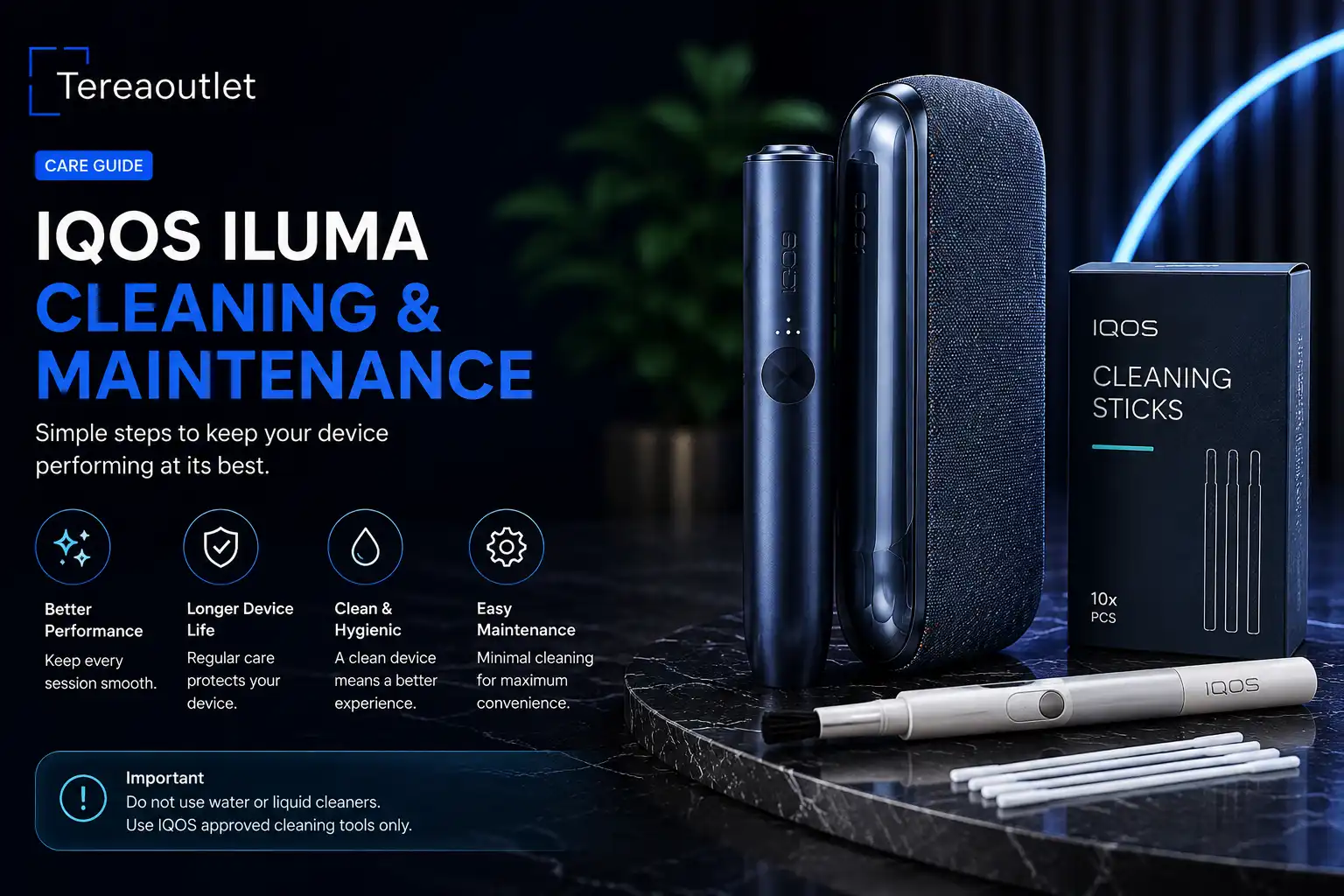
Keeping your IQOS ILUMA in good condition helps ensure consistent performance and a smooth user experience. One of the biggest improvements in the IQOS ILUMA series is its blade-free SMARTCORE INDUCTION SYSTEM™, which significantly reduces maintenance compared to previous IQOS generations.
How to Clean IQOS ILUMA: the short answer
How to clean IQOS ILUMA i, i ONE and i PRIME in 2 minutes: what you need, the steps, and how often to clean. No heating blade, so it is quick.
Although IQOS ILUMA requires less cleaning, regular care is still important. In this guide, you’ll learn simple maintenance tips to help keep your device performing at its best.
Need a new device or fresh sticks today? TEREA Outlet is an IQOS Dubai and TEREA Dubai store in Business Bay, and you can browse the full TEREA Japan in Dubai range there with prices per carton.
Why Does IQOS ILUMA Need Less Cleaning?
Unlike older IQOS devices, IQOS ILUMA does not contain a heating blade.
Instead, it uses SMARTCORE INDUCTION SYSTEM™, which heats the tobacco from inside the TEREA stick.
This design offers several benefits:
- No heating blade
- Less tobacco residue inside the holder
- Easier maintenance
- More consistent heating
- Cleaner overall experience
Because there is no blade, everyday maintenance is much simpler.
Daily Care Tips
Taking a few seconds each day can help keep your device in excellent condition.
We recommend:
- Store the device in a clean, dry place.
- Avoid exposing it to water or excessive humidity.
- Remove the used TEREA stick after every session.
- Wipe the outside of the holder with a soft microfiber cloth.
- Charge the device regularly.
These small habits help maintain the device’s appearance and performance.
Charging Your IQOS ILUMA Correctly
Battery care is just as important as physical care.
To extend battery life:
- Use the original USB-C charging cable whenever possible.
- Avoid completely draining the battery before charging.
- Do not charge the device in extremely hot or cold environments.
- Disconnect the charger once the battery is fully charged.
Proper charging habits can help maintain battery performance over time.
Keeping the Charging Contacts Clean
Although the heating chamber needs very little maintenance, the charging contacts should remain clean.
If you notice dust or fingerprints:
- Turn off the device.
- Use a dry, soft cloth to gently clean the charging contacts.
- Never use sharp tools or excessive force.
Avoid using water or household cleaning chemicals.
Common Mistakes to Avoid
Many users accidentally reduce the lifespan of their device by following incorrect cleaning methods.
Avoid these mistakes:
- Do not insert sharp objects into the holder.
- Never wash the device with water.
- Do not use alcohol-based cleaners unless recommended by the manufacturer.
- Avoid dropping the device.
- Do not use HEETS or other incompatible tobacco sticks with IQOS ILUMA.
Traveling with IQOS ILUMA
If you travel frequently around the UAE:
- Carry the device in a protective case.
- Keep TEREA packs sealed until use.
- Avoid leaving the device inside a hot vehicle.
- Pack your charger for longer trips.
Proper storage helps protect both the device and tobacco sticks.
Frequently Asked Questions
Do I need to clean IQOS ILUMA after every use?
No. Unlike previous IQOS models, IQOS ILUMA requires much less maintenance thanks to its blade-free design.
Can I use water to clean my IQOS ILUMA?
No. Electronic devices should never be cleaned with water. Use only a dry, soft microfiber cloth for external cleaning.
Can dust affect charging?
Yes. Keeping the charging contacts clean helps maintain reliable charging performance.
Which tobacco sticks should I use?
IQOS ILUMA is designed exclusively for genuine TEREA tobacco sticks.
Why Buy from Tereaoutlet?
At Tereaoutlet, we provide:
- Genuine IQOS ILUMA devices
- Authentic TEREA tobacco sticks
- Fast UAE-wide delivery
- Competitive prices
- Reliable customer support
- Secure online shopping
Whether you’re purchasing your first device or replacing accessories, we’re here to help.
Conclusion
IQOS ILUMA is designed to be easier to maintain than previous generations thanks to its blade-free induction heating system. By following a few simple care habits, such as keeping the device dry, cleaning the exterior with a soft cloth, and using genuine TEREA sticks, you can help ensure reliable performance and enjoy your device for longer.
For warranty claims on an IQOS device, you can also contact IQOS UAE directly.
What You Need to Clean IQOS ILUMA i
- A dry, lint-free cloth
- IQOS cleaning sticks or cotton swabs, for the cap opening only
- Two minutes, with the device switched off and cool
Do not use water, soap or sprays on the device, and never push anything sharp into the cavity.
How to Clean IQOS ILUMA i ONE
- Switch the device off and let it cool for a few minutes after your last stick.
- Remove the cap by pulling it gently upward.
- Wipe inside the cap and around the opening with a dry swab to remove loose tobacco and residue.
- Wipe the outside with a dry cloth, then refit the cap until it clicks.
How to Clean the ILUMA i Holder and Pocket Charger
On IQOS ILUMA i and ILUMA i PRIME, clean the holder cap the same way, then check the charger slot for dust. A quick wipe of the charging contacts with a dry cloth keeps charging reliable. If the holder is not seated properly in the charger, it may not charge, which is often mistaken for a fault.
How Often Should You Clean IQOS ILUMA?
Because ILUMA has no blade, the heater sits inside each TEREA stick and never touches the device. A light clean of the cap once or twice a week is enough for most users. Clean more often if you see tobacco flakes in the opening or if a stick feels tight going in.
Cleaning IQOS ILUMA in Dubai Heat and Dust
Fine desert dust and summer humidity can collect around the cap. Keep your device in a pocket or case rather than on a car dashboard, and clean the opening after windy days outdoors. Heat is the bigger risk: never leave IQOS ILUMA i in a parked car, as high temperatures can affect the battery.
How to Clean IQOS ILUMA: Quick Questions
Do I need a cleaning tool for IQOS ILUMA?
No special tool is needed. A dry swab and cloth are enough, as there is no blade to scrape.
Can I use alcohol to clean IQOS ILUMA?
Keep liquids away from the electronics. If you use a cleaning stick lightly moistened with alcohol, use it only inside the removable cap and let it dry fully before refitting.
Will cleaning fix a stick that tastes weak?
Sometimes. A weak taste is more often caused by dry sticks or a low battery; see why TEREA tastes weak.
Keep Reading: Related Guides
- IQOS ILUMA AutoStart Not Working? Causes and Fixes
- Why Is My IQOS ILUMA Not Charging? 7 Causes & Fixes
- IQOS ILUMA Red Light: What It Means and How to Fix It (Every Model)
Ready to shop? Start from the TEREA Outlet homepage for every TEREA flavour and IQOS device we stock in Dubai.
Shop the Products in This Guide
Everything mentioned above is in stock at TEREA Outlet in Business Bay, sealed and genuine, with delivery within 1 hour in Dubai and 12 hours across the UAE.